Shopify SEO audit: a checklist that works on real stores
Shopify SEO audit: most crawlers get throttled on Shopify, so audits come back incomplete. How to fix that and what to check once the crawl is done.
You run an SEO crawler on your Shopify store and the report looks odd. Half the products are missing, a lot of pages show errors you have never seen in a browser, and the crawl stopped long before it reached your catalogue. The store is fine. The audit is not.
The reason is simple: Shopify storefronts rate-limit crawlers they have not authorised. Requests start coming back as HTTP 429 (too many requests), or get blocked outright, and most SEO tools either slow to a crawl or report a partial site as if it were the whole thing. That is a bad basis for decisions.
This guide covers how to get a complete crawl of a Shopify store, which Shopify-specific problems to look for once you have one, and which Shopify SEO tools are worth using for each part of the job.
Why SEO crawlers struggle on Shopify
Shopify protects every storefront against heavy automated traffic. To that protection, a scraper copying your prices and an SEO tool you pay for look the same, so both get limited.
This does not affect how Google sees your store. Shopify's own help page says stores can be indexed by search engines and large language models without any extra setup. The limit hits third-party crawlers: site audit tools, link checkers and the scripts agencies run.
What you see in a throttled audit:
- Pages reported as errors that load fine in a browser, because the crawler got a 429 instead of the page.
- Missing sections, often whole collections or later pagination, because the crawl hit its limit before getting there.
- Wrong counts. "We found 140 pages" on a store with 1,800 products.
A partial audit still looks like a report, so you may end up fixing the wrong things.
The fix: Shopify crawler access
Shopify's official fix: the store owner creates a signature in Shopify admin, and the crawler sends it with every request, so Shopify knows the merchant authorised the traffic.
How it works on Shopify's side, according to Shopify's crawler access guide:
- You create the signature under Online Store → Preferences → Crawler access with Create signature.
- Each signature is for one domain connected to your store.
www.your-store.comandyour-store.comneed separate signatures. - You pick an expiry. The maximum is 3 months, and signatures cannot be renewed: when one expires, you create a new one.
- A signature consists of three headers:
Signature-Input,SignatureandSignature-Agent. All three must be sent on every request.
If a signed crawler still gets rate-limited, Shopify says the signature is not valid: usually the wrong domain, an expired signature or a value cut off when copying.
Setting up crawler access in SEO Sauna
SEO Sauna's site audit supports Shopify crawler access directly. Setup takes about a minute if you own the store or have admin access to it.
- In Shopify admin, go to Online Store → Preferences → Crawler access and click Create signature.
- Choose the exact domain you audit (for example
www.your-store.com) and an expiry of up to three months. - In SEO Sauna, open Project settings → Integrations. Under Crawler access: Let the audit crawler through Shopify, click Add signature.
- Paste the
Signature-InputandSignaturevalues. Shopify also shows aSignature-Agentvalue. You can skip it: SEO Sauna adds it to every request itself. - Save, then run the audit.
When you save, SEO Sauna checks the signature. If it was created for another domain, or Shopify would not accept it, you get a clear message instead of a stored credential that silently fails. An already-expired signature is rejected at the form.
How the signature is handled
A crawler access signature is a credential, so how a tool handles it matters:
- Sent only to that store's domain. The match is exact. The signature is never sent to other sites, and it is not replayed when a redirect leads to a different host.
- Only over HTTPS. A redirect to plain
http://does not carry the signature in cleartext. - Expiry checked on every request. A long crawl can outlive the signature, so each request checks it. Once it has expired, SEO Sauna stops sending it.
- Never shown again. The signature is encrypted before storage and is not displayed after you save it.
When an audit was throttled anyway
If Shopify still limited a crawl, the audit results page shows a Shopify-specific warning instead of a generic "some pages failed" message. It tells you which situation you are in:
- No signature saved: the setup steps above, with the form to paste the values right there and a Re-run audit button.
- Signature expired: the date it ran out, and a note that requests after that went out unsigned. Paste a new one to replace it.
- Signature saved but still limited: a prompt to check that the signature was created for this exact domain, and the option to re-run later or with fewer pages.
One more note: a signature only helps on your own store, or one you have admin access to. If you audit a competitor's Shopify store, you will hit the same limits as everyone else, so treat those results as a sample.
Shopify SEO audit checklist
With a complete crawl, these are the Shopify-specific problems worth checking. Most of them come from how Shopify generates URLs and how themes and apps add to every page.
1. Duplicate product URLs
Shopify makes every product reachable at /products/handle and also at /collections/collection-name/products/handle when it is linked from a collection. The second version normally carries a canonical tag pointing to /products/handle, which is correct.
What to check:
- Every
/collections/…/products/…URL has a canonical to the/products/…version. - Your theme's collection grid links to
/products/…directly. Many themes link to the collection-scoped URL, which means your internal links point at non-canonical pages. Fixing the link in the theme template is usually one line of Liquid. - The
/products/…URL is the one in your sitemap (Shopify generates/sitemap.xmlautomatically).
2. Tag pages and filtered collections
Collection tag URLs like /collections/shoes/red and filtered URLs with filter. parameters can multiply into thousands of near-identical pages. A few of them may deserve to rank ("red running shoes" can be a real search). Most do not.
- Look at how many tag and filter URLs the crawl found compared with your real collections.
- Check which of them are indexable and what their canonicals point to.
- Decide which combinations deserve their own page with a unique title, description and intro text. Keep the rest out of the index.
- Shopify's
robots.txtcan be edited through therobots.txt.liquidtheme template. Change it carefully: blocking a URL in robots.txt also stops Google from seeing its canonical tag.
3. Titles and meta descriptions
Shopify fills titles from product and collection names by default, which produces short, repetitive titles across a large catalogue.
- Duplicate titles across variants, similar products or paginated collections.
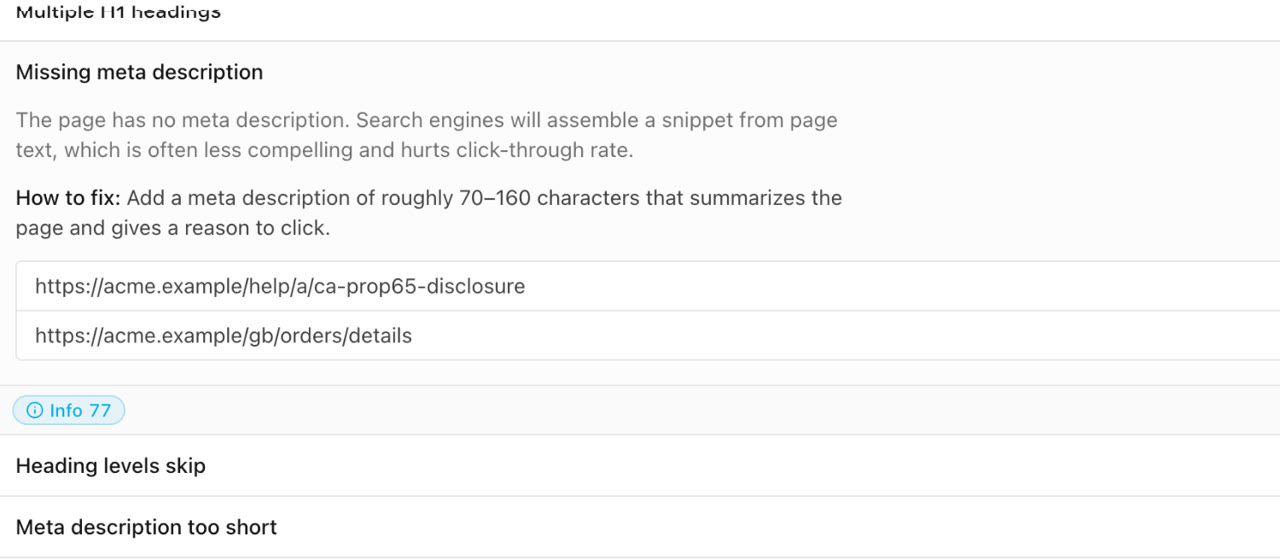
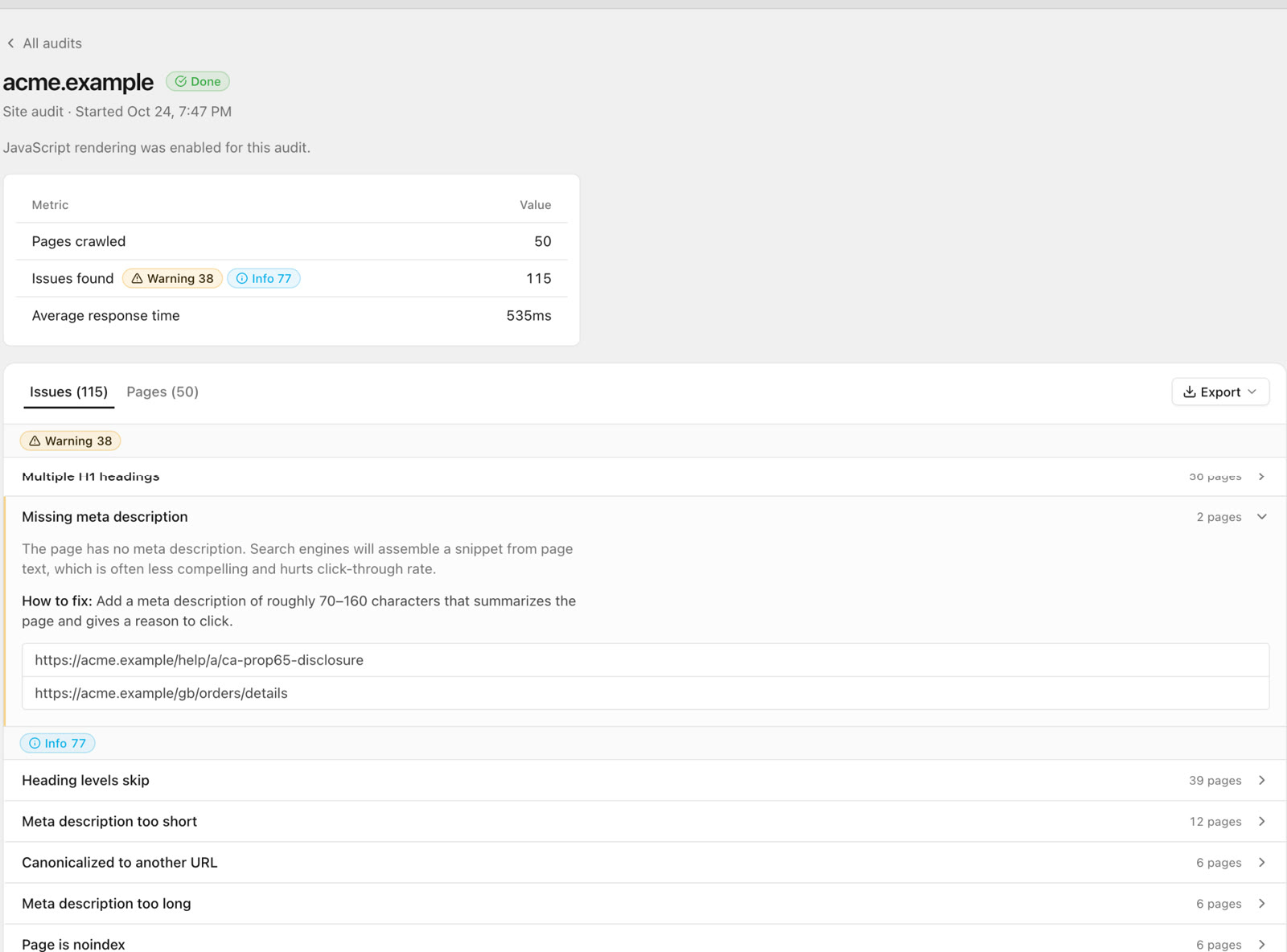
- Missing meta descriptions, where Google then picks its own snippet.
4. Image alt text
Product images are often the largest part of a Shopify page, and alt text is easy to forget when products are imported in bulk. Check alt coverage per page and fix it in the product media editor. Describe the image the way a shopper would search for it: "black leather ankle boot, side view" beats "IMG_4471".
5. Theme speed and apps
Every installed app can add scripts to every page, and uninstalled apps sometimes leave code behind in the theme. On many stores this is the main speed problem, so check for leftover snippets too.
- Check response times in the crawl and run Lighthouse on a few page types: home, a collection, a product.
- List the apps that load on the storefront and ask whether each one earns its weight.
- Compress large hero images and avoid autoplay video above the fold on mobile.
6. Structured data
Product pages should have Product structured data with price, availability and, if you have them, reviews. Many themes include it, some apps add a second copy, and duplicates or conflicting prices confuse things. Test a few product URLs with Google's Rich Results Test and check the enhancement reports in Search Console.
7. Internal linking
Shopify stores often link only through the main menu and collection grids. Products deep in large collections end up many clicks from the home page, and blog posts rarely link to the products they discuss.
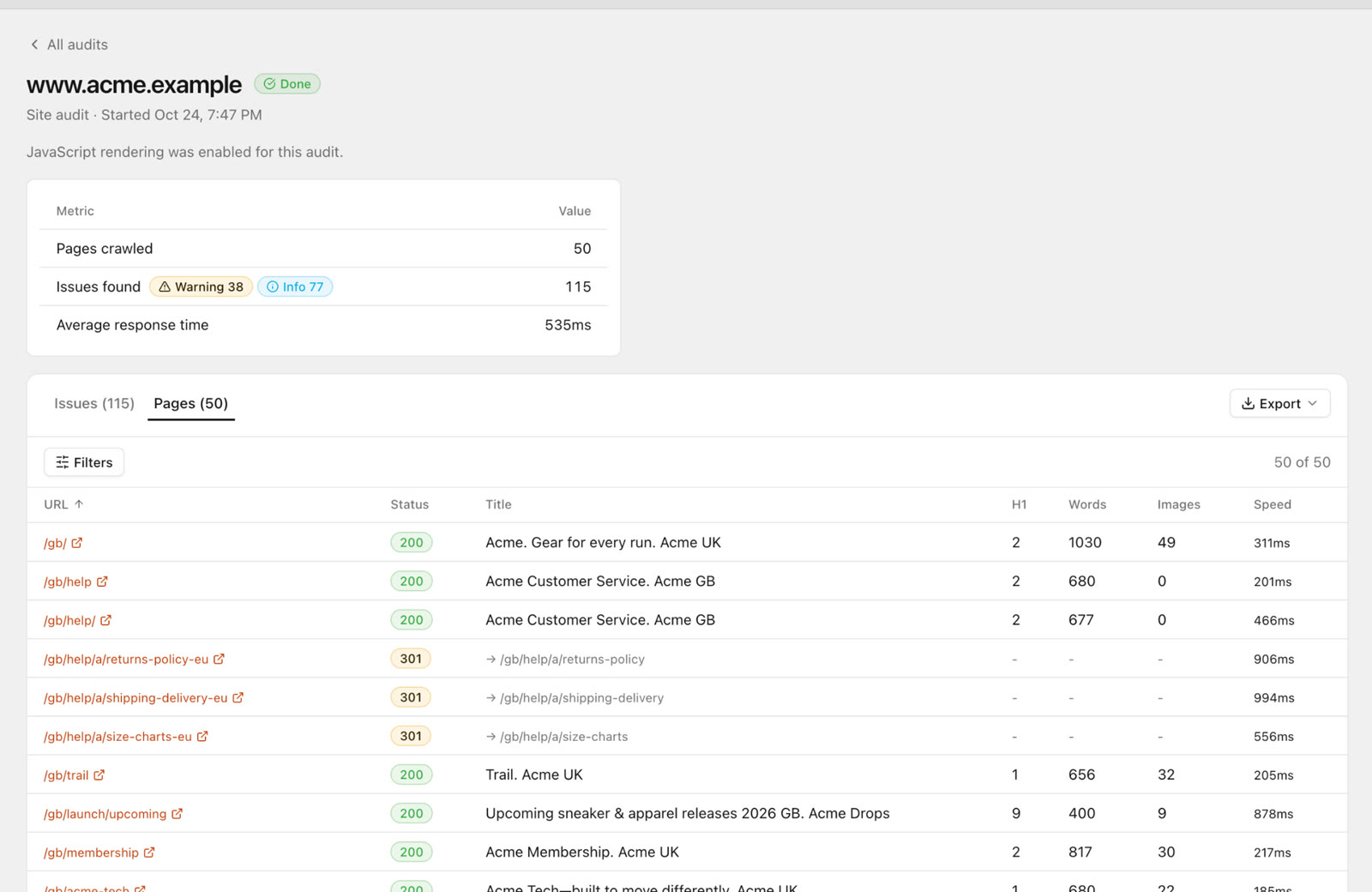
- Find pages with few or no internal links (orphan pages).
- Link from blog posts and guides to the relevant collections and products.
- Fix internal links that redirect or point to deleted products.
8. Status codes and redirects
Deleted products return 404. Shopify's built-in URL redirects in admin can point old URLs to the best replacement. Look for broken internal links, redirect chains after a migration and 404s that still get traffic.
9. Search Console
A crawl shows what is on the site. Search Console shows what Google did with it.
- Check the Pages report for indexed versus not-indexed counts and the reasons.
- Inspect a sample of product URLs to see Google's chosen canonical and last crawl.
- Use the performance report to find products and collections ranking in positions 5 to 20, which are usually the quickest wins.
What SEO Sauna's site audit checks
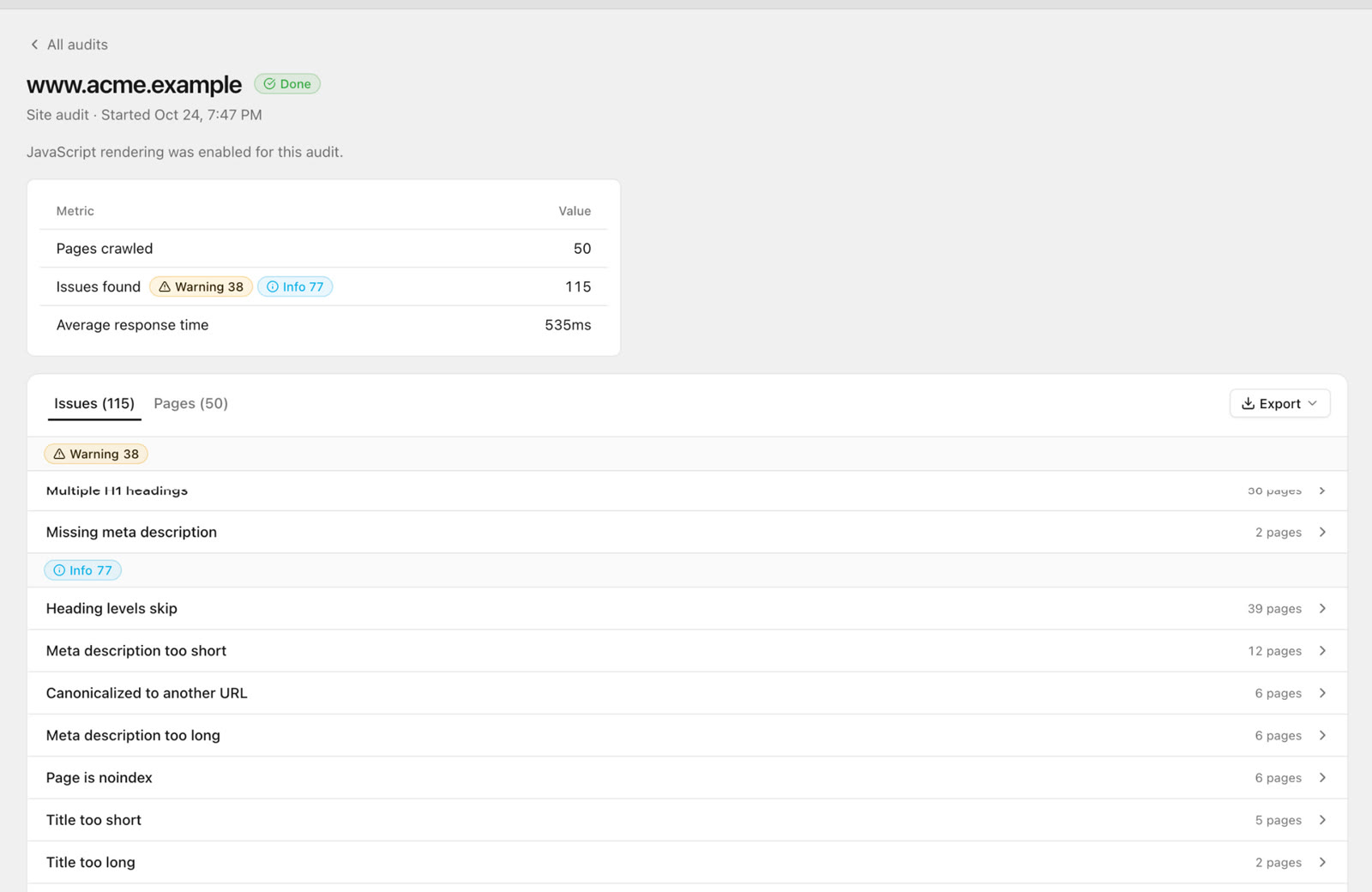
The SEO Sauna site audit crawls your site (respecting robots.txt and staying on the same origin) and checks every page for:
- HTTP status codes, broken links and redirect chains
- Titles and meta descriptions: missing, duplicate or poorly sized
- Heading structure
- Indexability: noindex, canonicals and canonical conflicts
- Image alt coverage
- Internal and external links, including orphan pages
- Response time
- Optional Lighthouse checks on a sample of pages
If a site rate-limits the crawler, the audit slows down and retries, and pages it still cannot read are flagged as rate-limited or blocked rather than reported as broken. On Shopify, that is where the crawler access warning comes in.
Shopify SEO tools: what to use for what
No single tool covers every part of a Shopify audit. A practical set looks like this:
| Job | Tool |
|---|---|
| Full crawl of titles, links, status codes, canonicals | A site audit tool that supports Shopify crawler access, such as SEO Sauna |
| How Google indexes your pages | Google Search Console (Pages report, URL inspection) |
| Structured data | Google's Rich Results Test |
| Speed | Lighthouse or PageSpeed Insights, plus a review of installed apps |
| Alt text, titles and descriptions at scale | Shopify admin, bulk editor or a CSV export |
| Keywords for collections and products | A keyword research tool with real search volumes |
SEO Sauna puts the crawl, Search Console data, keyword research and rank tracking in one place. You can also run the whole audit through an AI assistant: connect SEO Sauna over MCP and the SEO Audit skill crawls the store, reads the issues, checks them against Search Console and live results, and writes a plain-English report into your project. For the general version of this checklist, see the technical SEO audit checklist.
FAQ
Does Shopify's rate limiting affect Google?
No. Shopify says stores can be indexed by search engines and large language models without signatures. The limits affect third-party crawlers such as SEO audit tools, which is why audits of Shopify stores often come back incomplete.
How long does a Shopify crawler access signature last?
You choose the expiry when you create it, up to a maximum of 3 months. Signatures cannot be renewed, so you create a new one when the old one expires. SEO Sauna stops sending an expired signature and tells you on the audit page when that happened.
Do I need a separate signature for www and the bare domain?
Yes. Each signature is tied to one domain, so www.your-store.com and your-store.com need their own. Create it for the domain your store actually serves and that you audit.
Is it safe to give an SEO tool a crawler access signature?
It is a credential, so check how the tool handles it. SEO Sauna encrypts it, never shows it again, sends it only over HTTPS to the exact domain it was created for and never across a redirect to another site. You can remove it at any time in Project settings, and it stops working on its own at expiry.
What should I fix first on a Shopify store?
Start with anything that keeps pages out of the index or splits signals: canonical problems, internal links to non-canonical product URLs and indexable tag or filter pages. Then look at Search Console for pages ranking just off page one. Speed and alt text matter too, but they rarely beat indexing problems for impact.
More from the blog
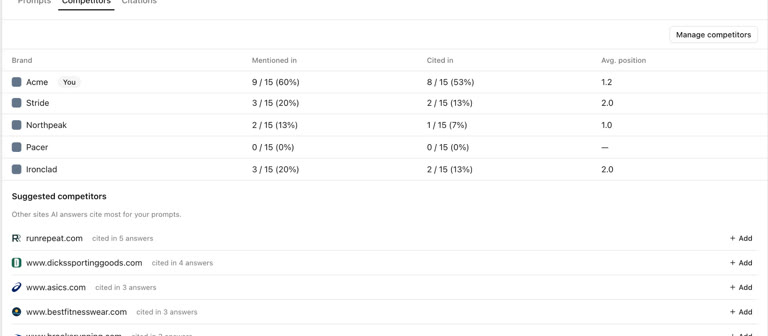 AI discoverability audit: how to run an AI visibility audit
An AI discoverability audit shows whether ChatGPT, Gemini and Google AI name and cite your brand, and why not. Steps, prompts and what to fix first.
AI discoverability audit: how to run an AI visibility audit
An AI discoverability audit shows whether ChatGPT, Gemini and Google AI name and cite your brand, and why not. Steps, prompts and what to fix first.
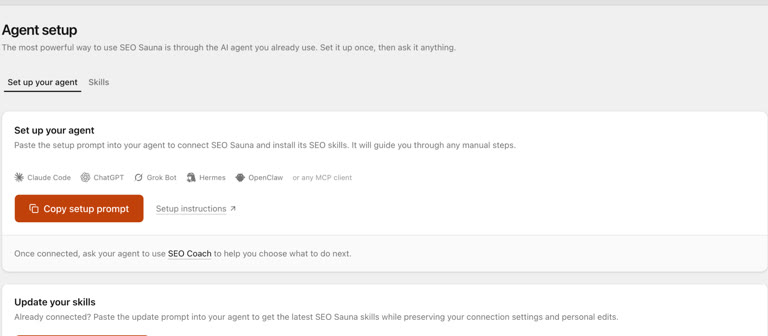 ChatGPT MCP server for SEO: connect live SEO data
Connect an SEO MCP server to ChatGPT as a custom connection on Free or paid plans: step-by-step setup, error fixes and SEO prompts with real keyword data.
ChatGPT MCP server for SEO: connect live SEO data
Connect an SEO MCP server to ChatGPT as a custom connection on Free or paid plans: step-by-step setup, error fixes and SEO prompts with real keyword data.