Google Search Console MCP: ask AI about your search data
Connect Google Search Console to Claude, ChatGPT or Cursor through MCP and ask about clicks, rankings and indexing in plain words. Read-only, no credits.
Google Search Console holds the most honest SEO data you will ever get: what people actually searched for before they saw your site, how often they clicked and roughly where you ranked. The problem is getting answers out of it. The interface is built for browsing, not for questions like "which pages lost clicks after the last update, and why?"
An AI assistant is built for exactly those questions. Connect the two through MCP and you can ask Search Console things in plain language, and get answers that come from your own data instead of an estimate.
This guide covers what a Search Console MCP connection does, how to set one up without creating a Google Cloud project and which questions are worth asking. For the wider picture of what an SEO MCP server can do beyond Search Console, see SEO MCP server.
What "Search Console MCP" means
MCP, the Model Context Protocol, is an open standard that lets AI assistants call tools on other services. A Search Console MCP server exposes your Search Console data as tools. When you ask your assistant a question, it decides which data it needs, calls the tool, reads the result and answers.
In practice that turns this workflow:
- Open Search Console, pick the property, set a date range.
- Filter by page, export to a spreadsheet.
- Repeat for the previous period, compare by hand.
into one sentence:
Compare clicks per page for the last 28 days against the 28 days before. Which pages dropped the most, and which queries did they lose?
Two ways to connect
There are open-source Search Console MCP servers you can run yourself. They work, but they usually need a Google Cloud project, an OAuth client or a service account, the Search Console API enabled and credentials stored on your machine. That is fine for a developer and a real obstacle for everyone else.
SEO Sauna's hosted MCP server takes the other route. You connect Search Console once in the SEO Sauna app with a normal Google sign-in, and every AI client you connect to SEO Sauna can read it. No Google Cloud project, no API keys, nothing to install.
| Self-hosted server | SEO Sauna | |
|---|---|---|
| Google Cloud project needed | Usually yes | No |
| Setup | Credentials, config files, a local process | Google sign-in, then one MCP URL |
| Works in Claude, ChatGPT, Cursor | Depends on the server | Yes |
| Other SEO data in the same chat | No | Keywords, rankings, backlinks, competitors, AI visibility |
| Cost to read Search Console | Free | Free, no credits |
The last two rows matter more than they look. Search Console tells you how your own site performs. It says nothing about search volume for keywords you do not rank for yet, what competitors rank for or who links to them. Having both in one conversation is what lets an assistant go from "this page dropped" to "this page dropped, the competitor now in position 2 published a fuller guide and has twice the referring domains".
Setting it up
1. Connect Search Console in SEO Sauna
Sign up for SEO Sauna (free, no card), create a project for your site and connect Search Console from the dashboard or under Project settings → Integrations. Sign in with the Google account that has access to your property and choose it from the list.
SEO Sauna asks for read-only access. It cannot change anything in your Search Console account. If your site is not in Search Console yet, the Search Console guide walks through adding and verifying it.
2. Connect your AI assistant
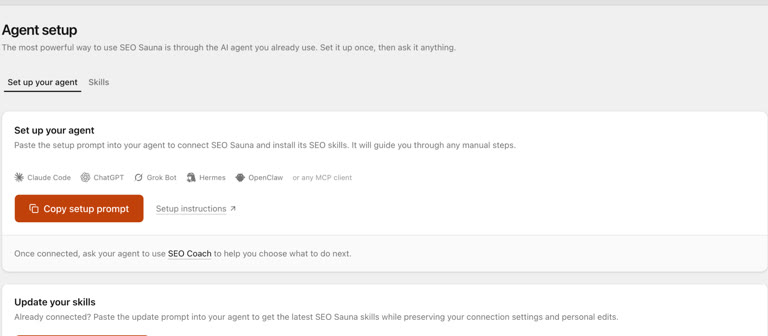
The MCP server URL is https://app.seosauna.com/mcp.
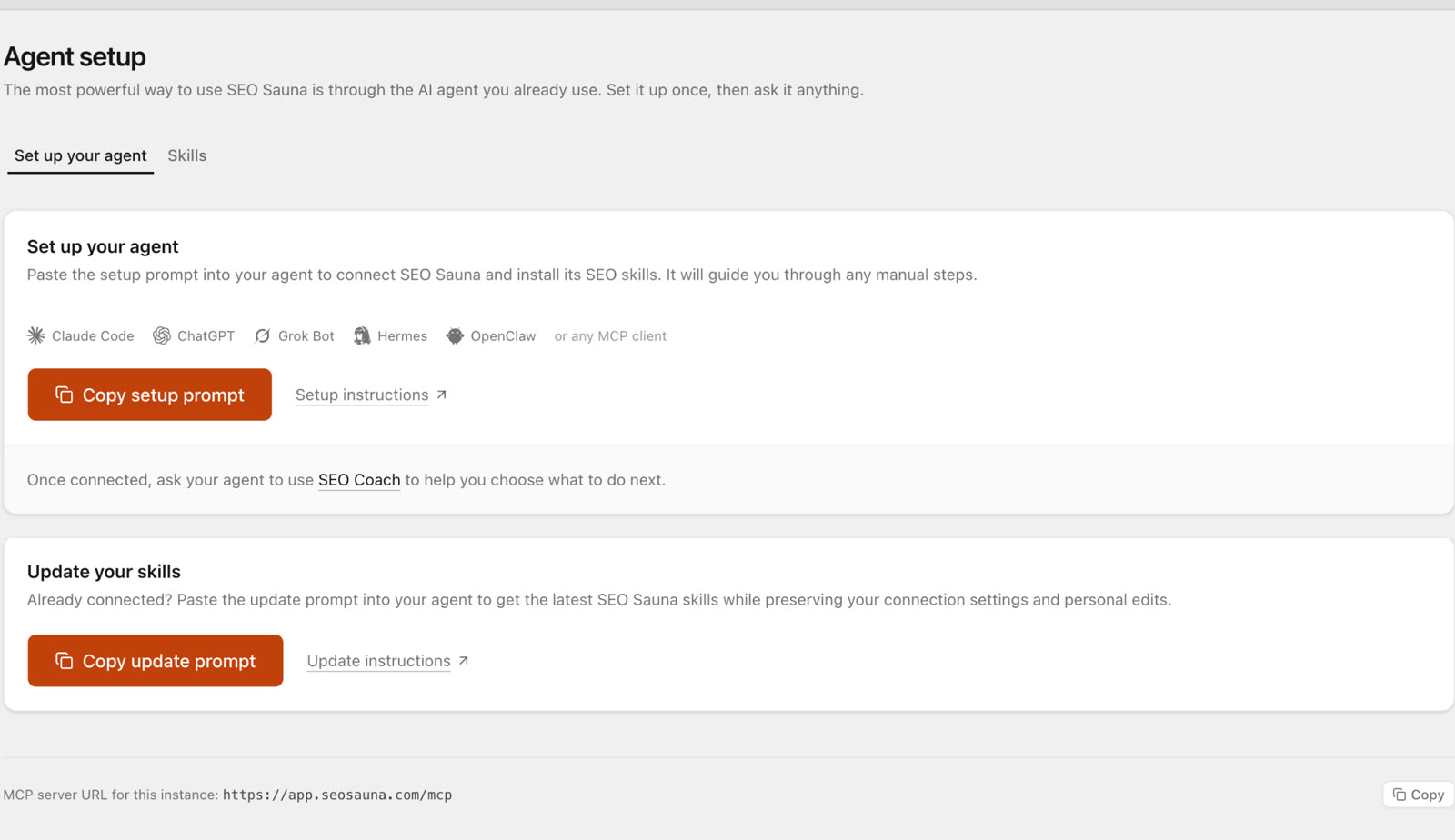
- Claude Desktop or claude.ai: Customize → Connectors → Add custom connector, paste the URL, approve the sign-in.
- Claude Code:
claude mcp add --transport http --scope user seosauna https://app.seosauna.com/mcp - Cursor: add a server named
seosaunawith that URL inmcp.json. - ChatGPT: follow the ChatGPT guide.
Then ask the assistant to "use SEO Sauna to list my projects" to confirm it can see your site. Full steps for every client are in Connect your AI assistant.
What the assistant can read
- Search performance: clicks, impressions, CTR and average position.
- Breakdowns: by query, page, country, device and date, and combinations of them.
- History: up to 16 months, as far back as Search Console keeps data.
- URL inspection: index status, last crawl, the canonical Google chose, mobile usability and rich result checks, for up to 10 URLs per call.
None of this uses SEO Sauna credits. Google does not charge you to read your own data, so neither do we.
Questions worth asking
Find quick wins
Find queries from the last 3 months where we rank between positions 5 and 20 and have at least 200 impressions. Group them by page and suggest one concrete change per page.
Pages in "striking distance" already rank. Usually they need a clearer answer to the query, a better title or a few internal links, not a rewrite.
Explain a traffic drop
Clicks fell in the last two weeks. Compare with the two weeks before and tell me whether the drop comes from fewer impressions, lower CTR or worse positions, and which pages and queries account for most of it.
Splitting a drop into impressions, CTR and position is the first step of any diagnosis, and it is tedious by hand.
Fix titles that do not earn the click
List pages with high impressions but a CTR well below what their average position would suggest. Rewrite the title and meta description for the worst five.
Your assistant can see the queries each page shows up for, so its rewrites target what people actually typed.
Check indexing
Inspect these 10 URLs and tell me which are not indexed, which have a different canonical than the one we declared and when Google last crawled each.
Useful after a migration, a redesign or a batch of new pages.
Find content gaps from your own queries
Which queries bring impressions to pages that do not really answer them? Suggest new pages or sections for the clearest gaps.
When one page collects impressions for five different intents, it usually ranks well for none of them.
Compare markets and devices
How does our CTR and position on mobile compare with desktop for our top 50 queries? Is there a country where we perform clearly worse?
Going further: combine it with other data
Search Console answers "how are we doing?". The rest of SEO Sauna's tools answer "what should we do next?", in the same conversation:
- Pull search volume and difficulty for queries you only just started appearing for, to see which are worth a dedicated page.
- Look at the live Google results for a query you lost, to see what replaced you.
- Check the backlink profile of the page that now outranks you.
- Track the keywords that matter in rank tracking, so you see movement between Search Console's updates.
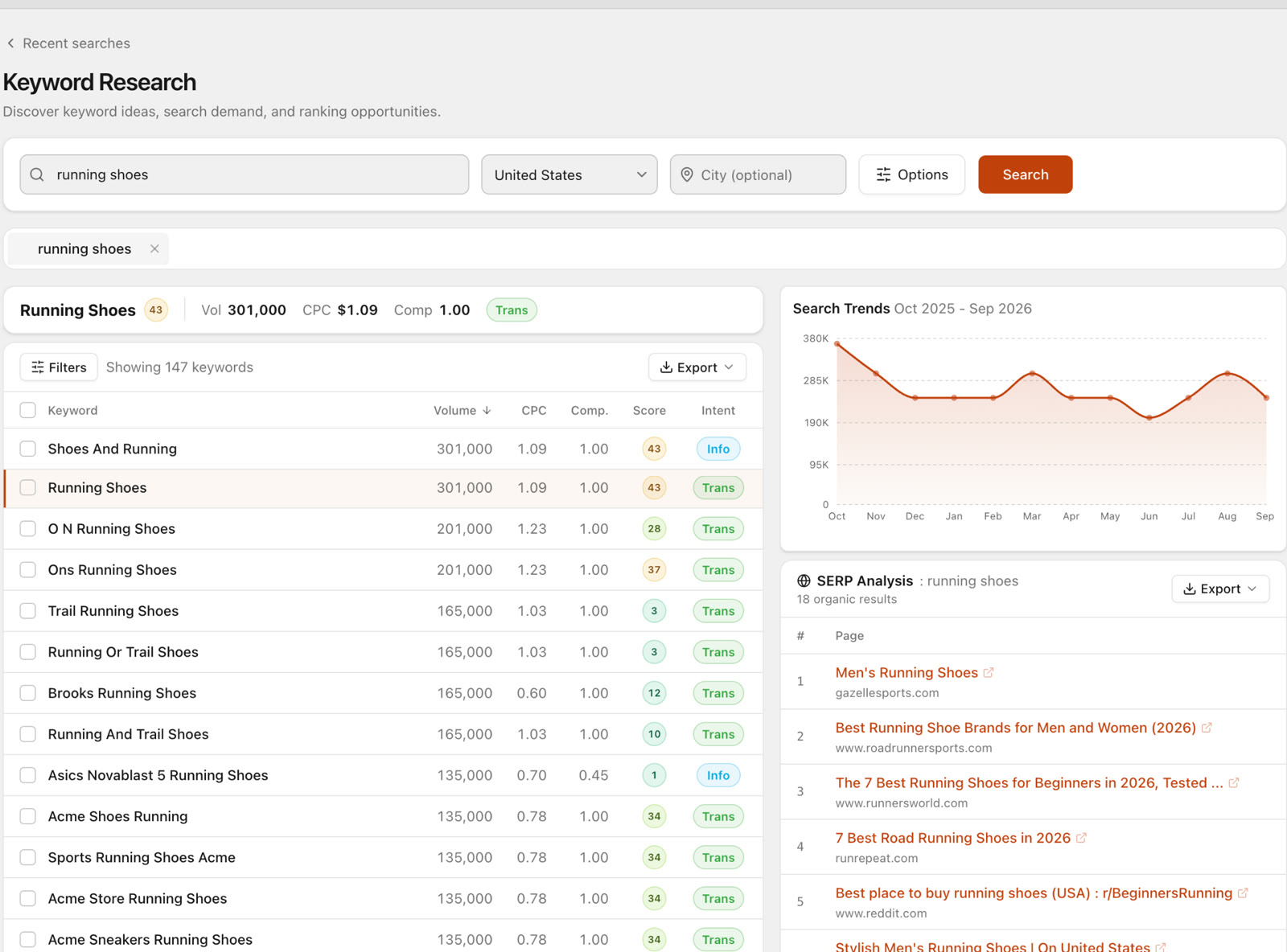
When the work is done, the assistant can save it as a report in your SEO Sauna project, so the analysis does not vanish with the chat.
Privacy and access
- Access is read-only. SEO Sauna cannot edit properties, users or settings in Search Console.
- Only the projects in your SEO Sauna workspace are visible to your assistant, and only after you approve the MCP sign-in.
- You can disconnect Search Console from the project settings at any time, or remove SEO Sauna's access from your Google account.
FAQ
Do I need a Google Cloud project?
No. You connect Search Console in SEO Sauna with a normal Google sign-in. The Google Cloud setup that self-hosted MCP servers require is handled on our side.
Does reading Search Console data cost credits?
No. Search Console reads and URL inspection use zero credits, on the free trial and on the paid plan.
Which AI assistants work?
Claude (Desktop, web and Claude Code), ChatGPT with a custom connection, Cursor, Codex and other clients that support remote MCP servers.
How far back does the data go?
Up to 16 months, which is how long Google keeps Search Console performance data.
Can the assistant change my Search Console settings?
No. The connection is read-only.
More from the blog
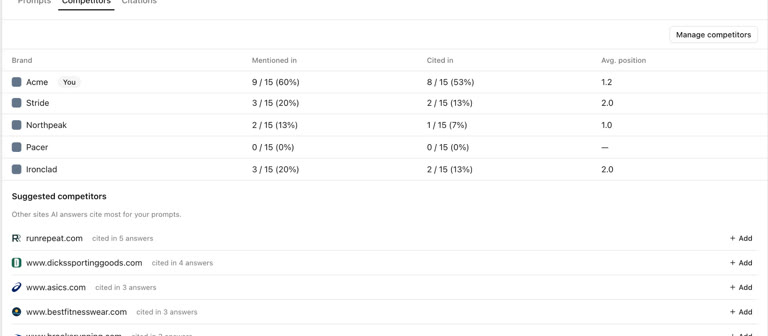 AI discoverability audit: how to run an AI visibility audit
An AI discoverability audit shows whether ChatGPT, Gemini and Google AI name and cite your brand, and why not. Steps, prompts and what to fix first.
AI discoverability audit: how to run an AI visibility audit
An AI discoverability audit shows whether ChatGPT, Gemini and Google AI name and cite your brand, and why not. Steps, prompts and what to fix first.
 ChatGPT MCP server for SEO: connect live SEO data
Connect an SEO MCP server to ChatGPT as a custom connection on Free or paid plans: step-by-step setup, error fixes and SEO prompts with real keyword data.
ChatGPT MCP server for SEO: connect live SEO data
Connect an SEO MCP server to ChatGPT as a custom connection on Free or paid plans: step-by-step setup, error fixes and SEO prompts with real keyword data.